Your habits, one press away
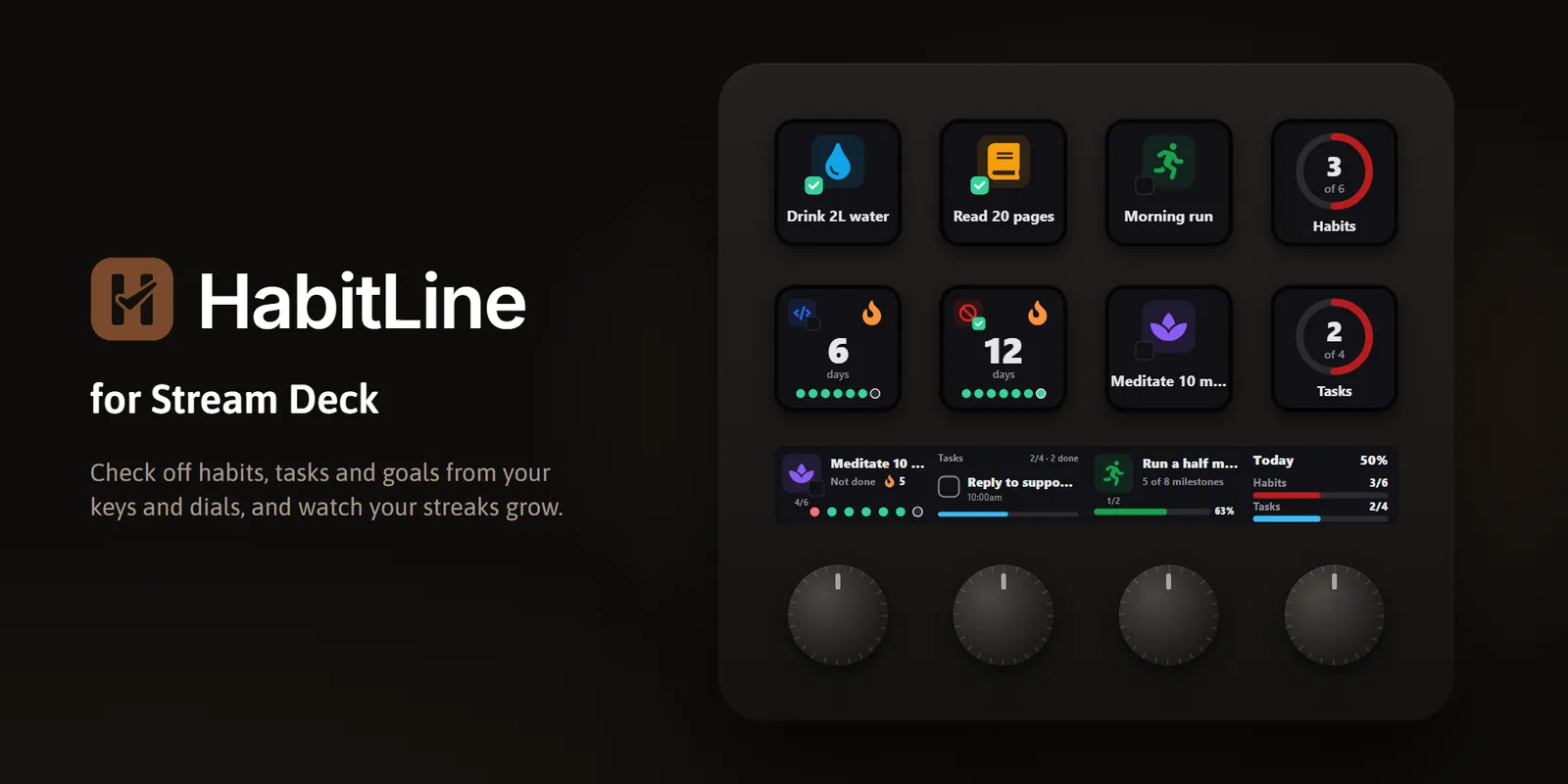
HabitLine for Stream Deck puts your habits, tasks and goals on your keys and dials. Press a key to mark a habit done, watch the streak flame light up, and see today’s progress without opening the app.
Coming soon. The HabitLine plugin is free and is being reviewed for the Elgato Marketplace. This button will take you there once it is live.
- Free
- Keys and Stream Deck + dials
- Works with HabitLine’s free plan
What it does
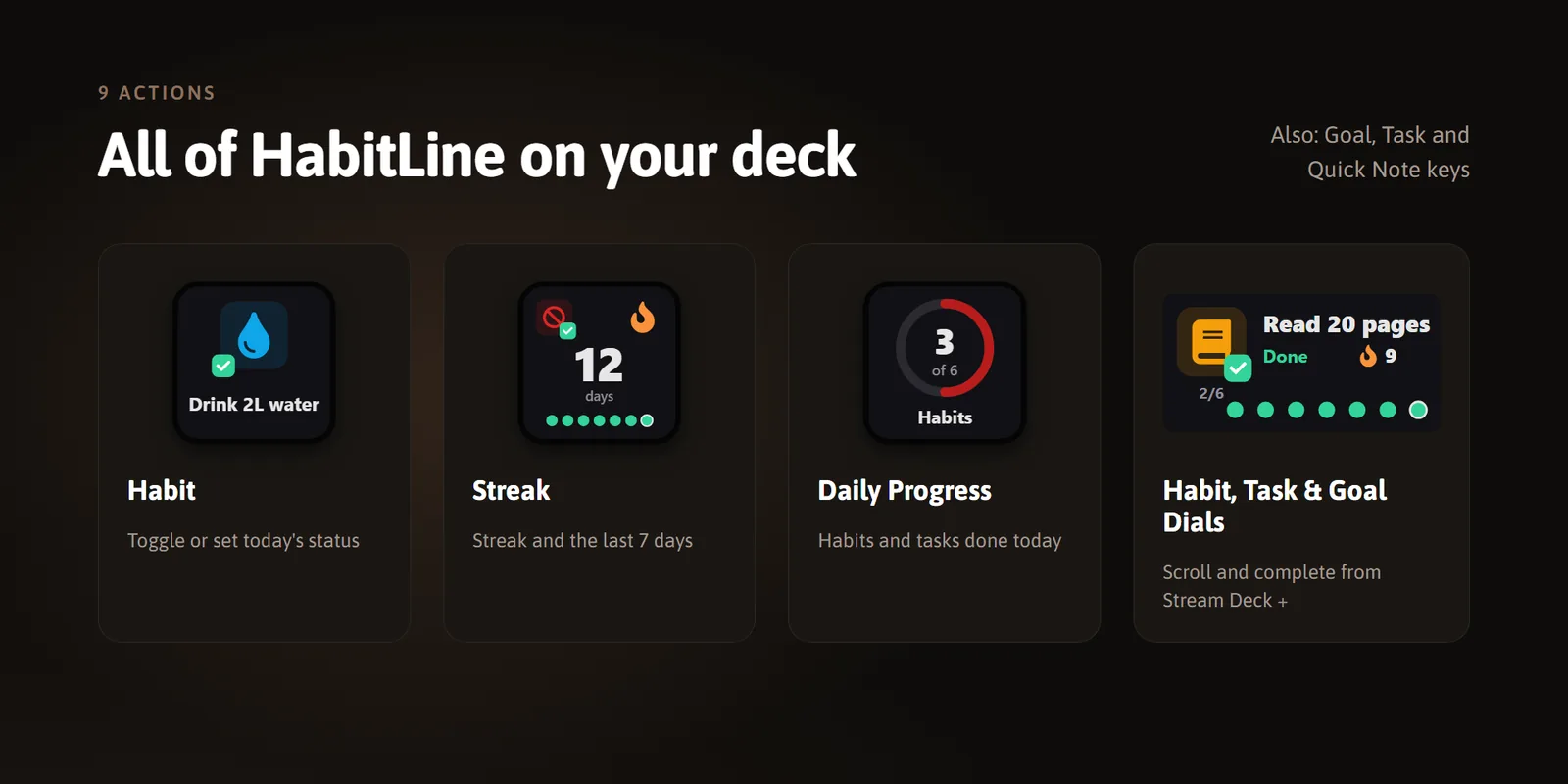
Habit keys
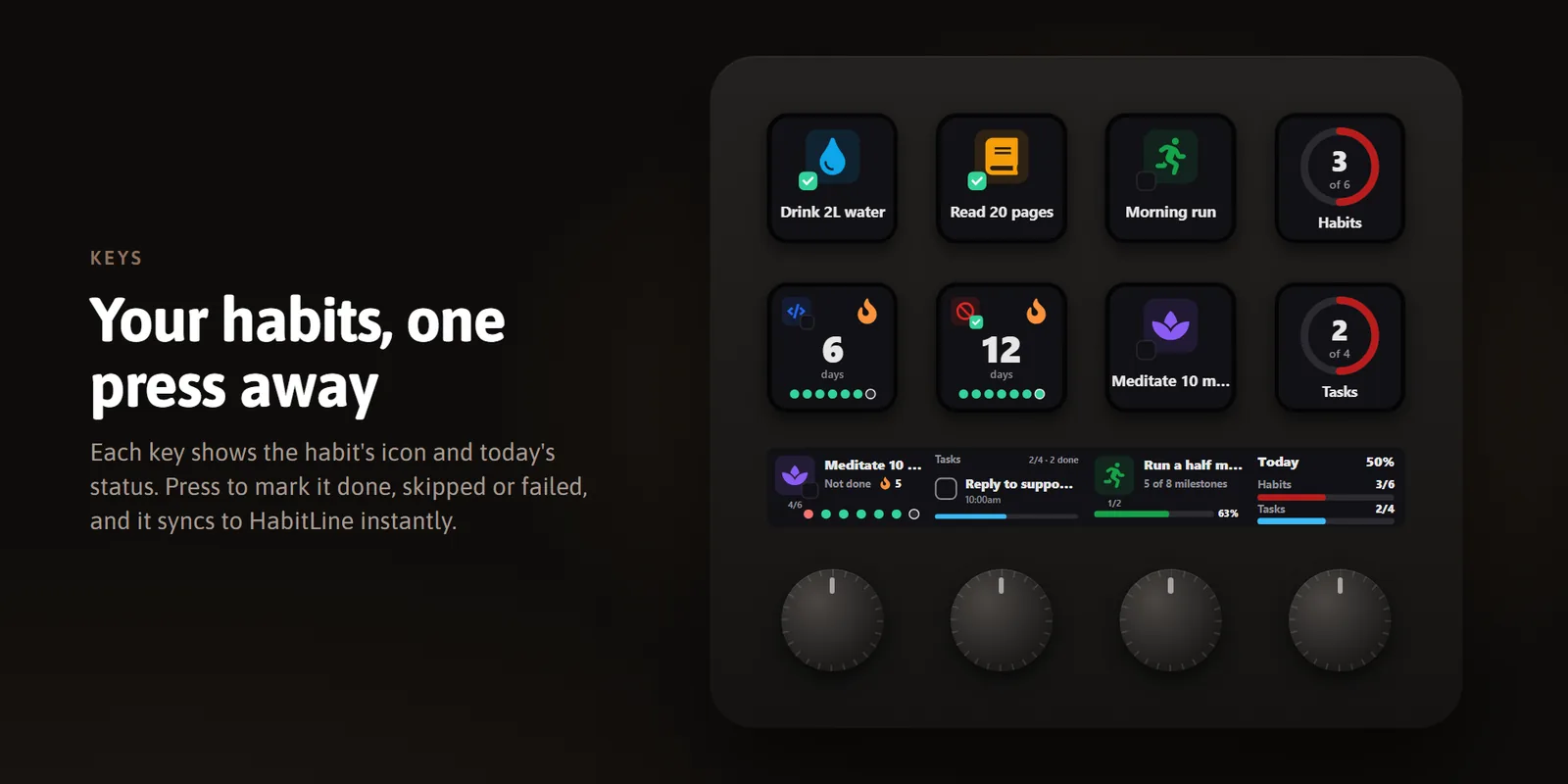
Each key shows the habit’s icon, colour and today’s status. Press to mark it done, skipped or failed.
Streak keys
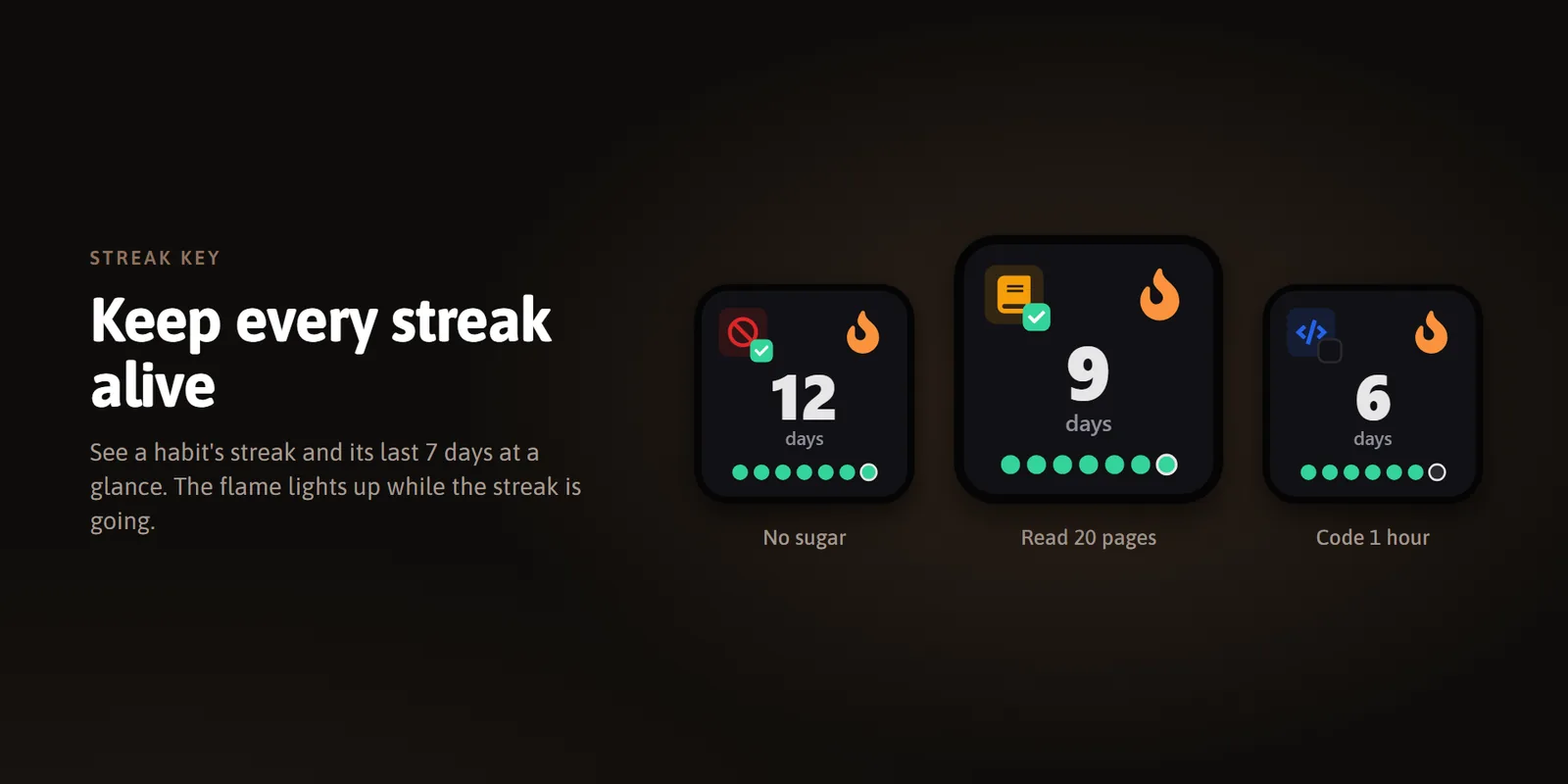
A habit’s streak and its last 7 days at a glance. The flame lights up while the streak is going.
Daily progress
A ring of how many habits and tasks are done today, on a key or a Stream Deck + dial.
Stream Deck + dials
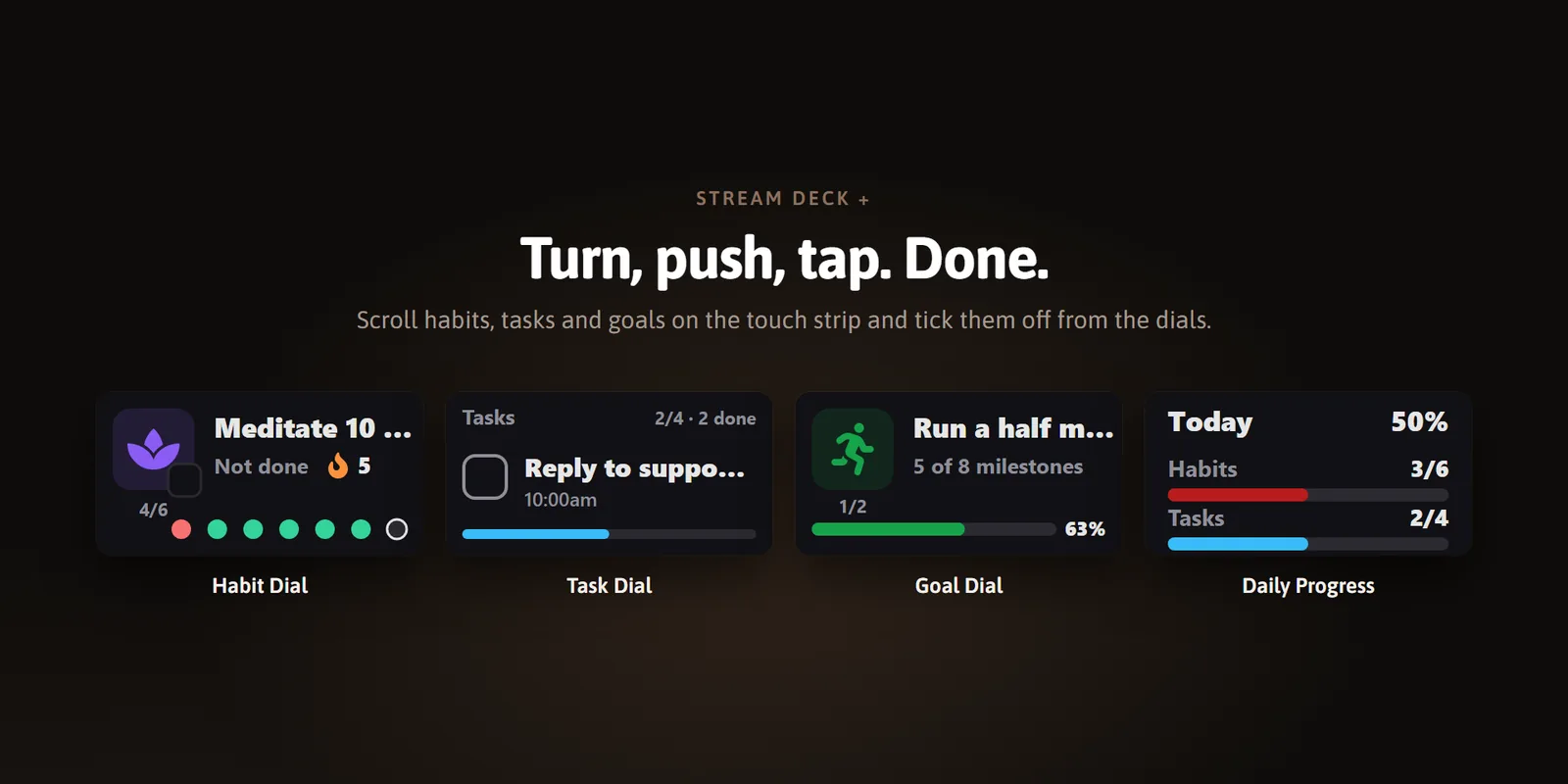
Turn to scroll habits, tasks or goals on the touch strip, push or tap to complete.
Tasks and goals
Tick off today’s tasks and follow a goal’s milestones from a key.
Quick notes
Capture a quick note in HabitLine with one press.
See it in action
Set it up in a minute
- Install HabitLine for Windows from the Microsoft Store; the free plan works without an account.
- Get the HabitLine plugin from the Elgato Marketplace.
- Drag a HabitLine action onto a key or dial and pick the habit, task or goal it shows.
- Press it. HabitLine and the key update together.
Common questions
Is the HabitLine Stream Deck plugin available?
Almost. It is free and is being reviewed for the Elgato Marketplace; this page will link to it as soon as it is live.
Does the plugin cost anything?
No. The plugin is free, and it works with HabitLine’s free plan.
Will the plugin need the HabitLine app?
Yes. The plugin connects to the HabitLine desktop app running on the same Windows PC.
Will it work in guest mode?
Yes. The plugin talks to the app on your PC, so it works with the habits in the app whether you are signed in or not.
Is HabitLine free?
Yes. The free plan never expires and includes 5 habits, 3 goals, 3 tasks, 5 journal entries and 1 project. Premium removes those limits and adds the full calendar view for $4.99/month, $49.90/year or $149 once.
Do I need an account to use HabitLine?
No. HabitLine runs in guest mode with your data stored locally on your PC. Signing in is optional and syncs your habits, goals, tasks and settings across your Windows PCs.
Also for your desk
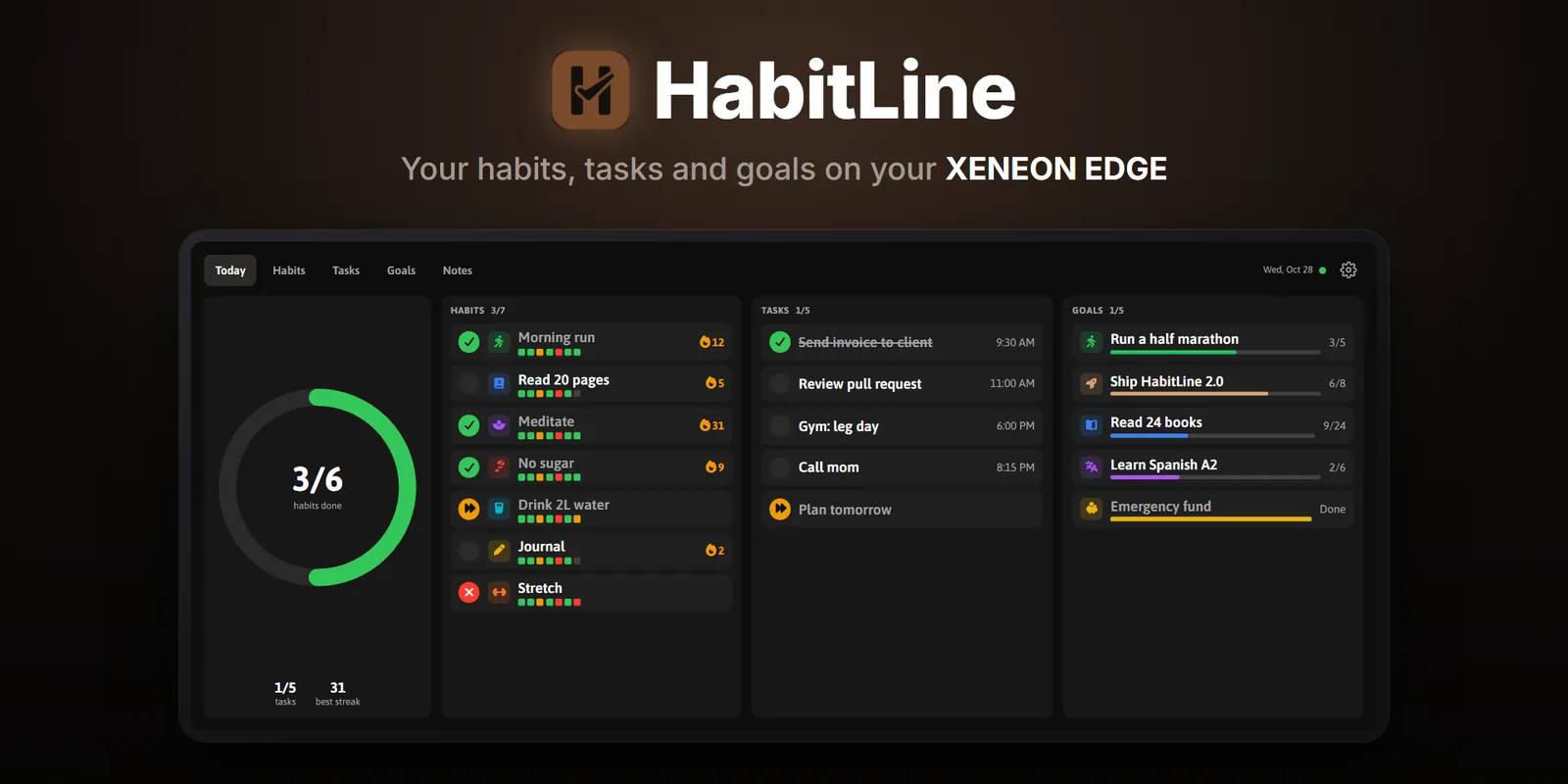 Corsair iCUE widget for XENEON EDGEYour day, on the Xeneon EdgeThe free HabitLine iCUE widget puts today’s habits, tasks, goals and notes on the Corsair Xeneon Edge touchscreen. Tap…
Get the plugin, free
It works with HabitLine’s free plan on Windows 10 and 11. No account needed.
Coming soon. The HabitLine plugin is free and is being reviewed for the Elgato Marketplace. This button will take you there once it is live.